For testers
Every Sudarev game you can try before release. Pick one, install it and tell us what is broken or unclear.
You are in an app’s built-in browser — Google often blocks sign-in here. Open this page in Chrome.
Open in ChromeIf the button doesn’t work: menu ⋮ at the top → “Open in browser” (or “Open in Chrome”).
- Join the testers group
One “Join group” button with your Google account. Once — for all Sudarev games.
Join group ↗ - Become a tester of the game you want
On the Google Play page, tap “Become a tester”. Public TestFlight links open once Apple approves external testing. The button will appear here by itself.
-
Legendstrike
What to check: A full 3v3 fight, switching heroes, power crystals, a boss.
Android: no build yet iPhone: waiting for Apple approvaliPhone 1.0 (5)
-

Dragonwake
What to check: A duel against the bot and a friend, clear rules, the dragon waking up.
Android: Become a tester ↗ iPhone: waiting for Apple approvaliPhone 1.0.1 (13) · Android 1.0.1 (13)
-
Quiet Numbers
What to check: Sudoku at different levels, 15 Puzzle, Lights Out, Pairs: everything loads.
iPhone 1.5.2 (13) · Android 1.5.2 (14)
-

Two of Three
What to check: A duel for three outposts to the end: is it clear who won?
Android 0.3.2 (14)
-
Age of Steel
What to check: First towns and factories, canals and rails, saving after you quit.
iPhone 1.0.0 (5)
-
BlastMaze
What to check: A few levels, a boss, a bot battle, touch controls.
iPhone 1.0.0 (2)
-

Card Table: 12 Games
What to check: Every game opens from the salon, a bot round, Back returns to the salon.
iPhone 1.0.0 (25)
-
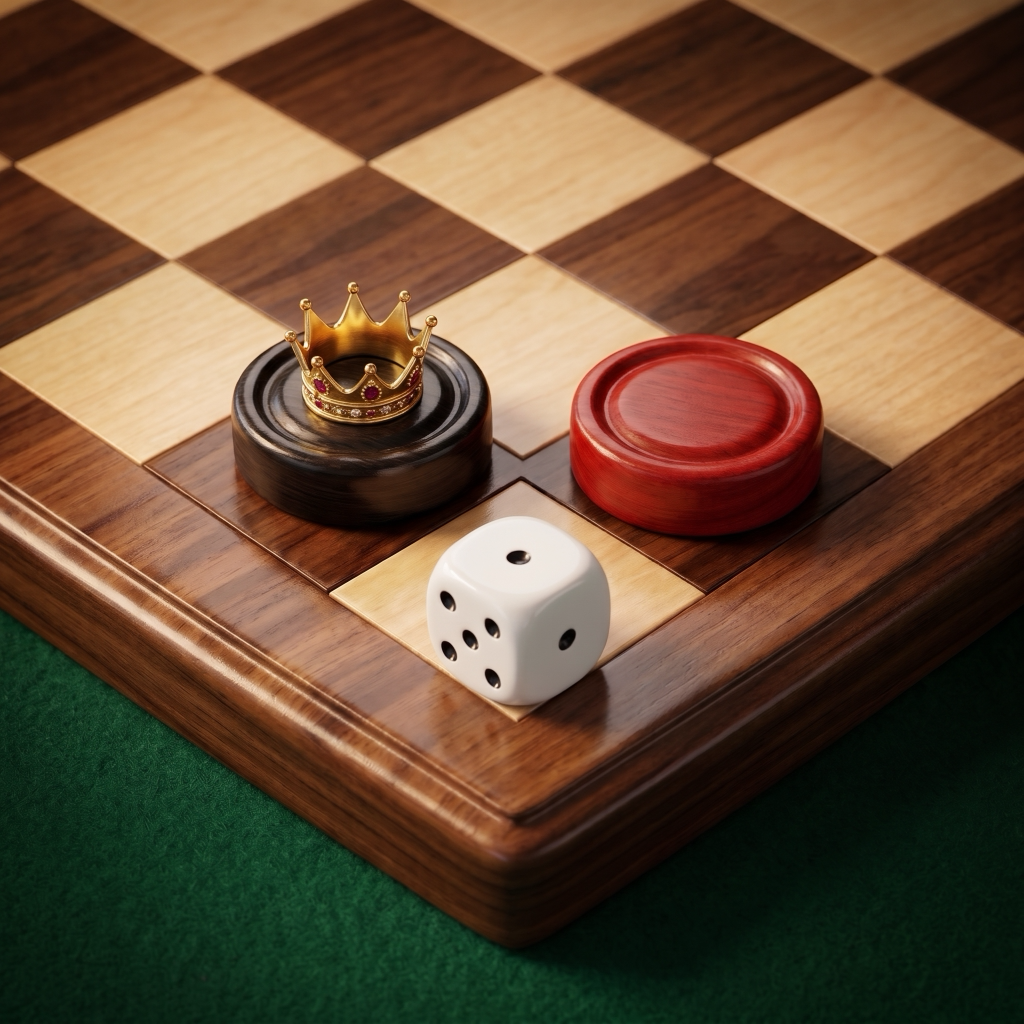
Board Classics
What to check: Checkers, backgammon, dominoes, battleship, dice poker: one round each.
Android 1.0.0 (28)
-
Durak: Trump Card
What to check: Throw-in and transfer modes with the bot, an online game with a friend.
iPhone 1.0.0 (31) · Android 1.0.0 (31)
-

Chess by Sudarev
What to check: A game against the bot at different levels, two players, the clock.
Android: no build yet iPhone: waiting for Apple approvaliPhone 0.1.0 (2)
-

Backgammon
What to check: Long backgammon against the bot on three levels, undo, mars.
Android 1.0.0 (11)
-
ASCEND
What to check: A timed workout, the AI coach, progress after the workout.
Android: Become a tester ↗ iPhone: waiting for Apple approvaliPhone 1.2.0 (26) · Android 1.2.0 (26)
-

MENTIS
What to check: Memory and attention drills, results are saved.
Android: Become a tester ↗ iPhone: waiting for Apple approvaliPhone 1.1.1 (4) · Android 1.1.1 (4)
-

PULSE
What to check: Speed test over Wi‑Fi and mobile data, test history.
Android: no build yet iPhone: waiting for Apple approvaliPhone 0.2.2 (7)
-

Ice Trace: Skate Puzzle
What to check: The first park levels, stars and hints, a duel with the bot, the wardrobe.
Android: Become a tester ↗ iPhone: no build yet
-
- Install from Google Play
If it says “not available”, wait a couple of minutes after step 2 and try again.
Send bugs and ideas to [email protected]
Not working?
- There is no “Join group” button
- Tap “Sign in” at the top right and use the same Google account as Google Play on this phone. The “Join group” button appears after that. No approval needed — you’re in right away.
- Google says “This browser or app may not be secure” / won’t let me sign in
- Google blocks sign-in inside built-in browsers (Instagram, Facebook, Telegram, VK). Open this page in Chrome: menu ⋮ → “Open in browser” and do the steps there.
- “Become a tester” shows an error, “not found” or asks to sign in again
- Do step 1 first, with the same account. The browser and Google Play must use the same Google account: if the phone has several, check the profile icon at the top right on both pages.
- Google Play says “App not found” or “not available”
- Wait 5–15 minutes after step 2 and tap the step 3 button again. Make sure Google Play uses the same account (profile icon at the top right). Android 7 or newer is required.
- Nothing helped
- Email us at [email protected] — which step and what the screen says (a screenshot helps). We’ll add you manually.
Please keep the game for at least 14 days and tell us what to improve — that helps it reach Google Play for everyone sooner.
Store status checked on 2026-11-05. Card and board games