
Video Editor
Trim and join videos without quality loss. Reels, Shorts, music, text, filters.
Coming soon toApp StoreComing soon toGoogle Play
On your phonePoint the camera at the code: play online or install on Android or iPhone.
- Free
- No ads
- No purchases
- 11 languages
- Age 4+
Screenshots
Features
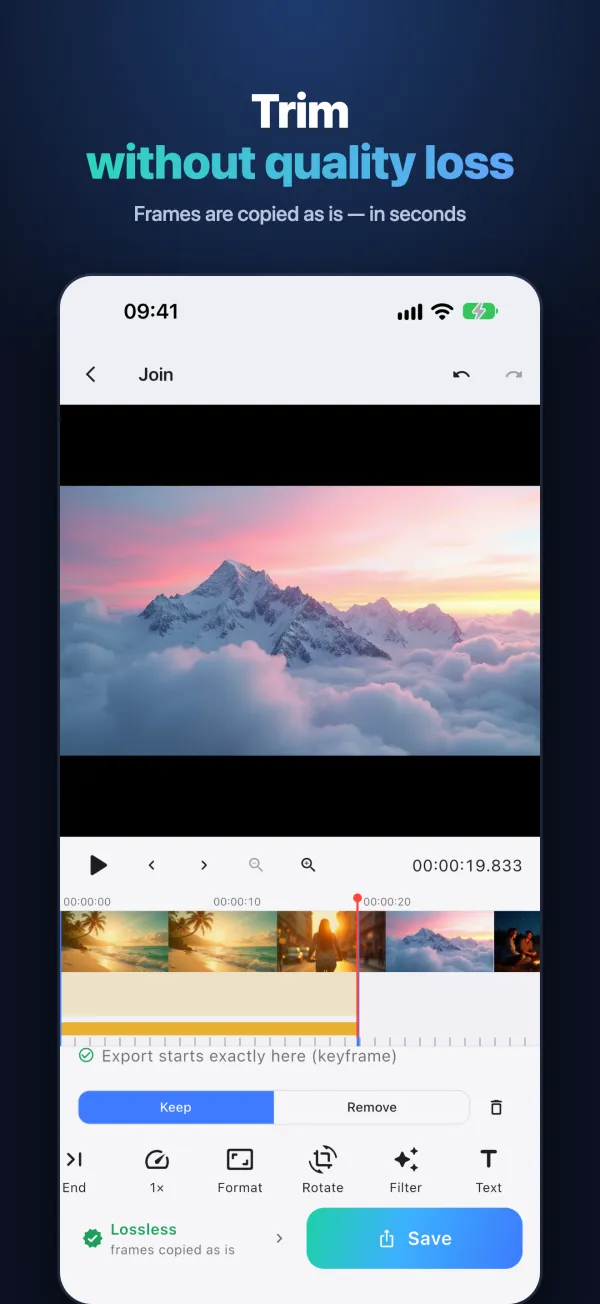
- Lossless trim and join — frames copied as is
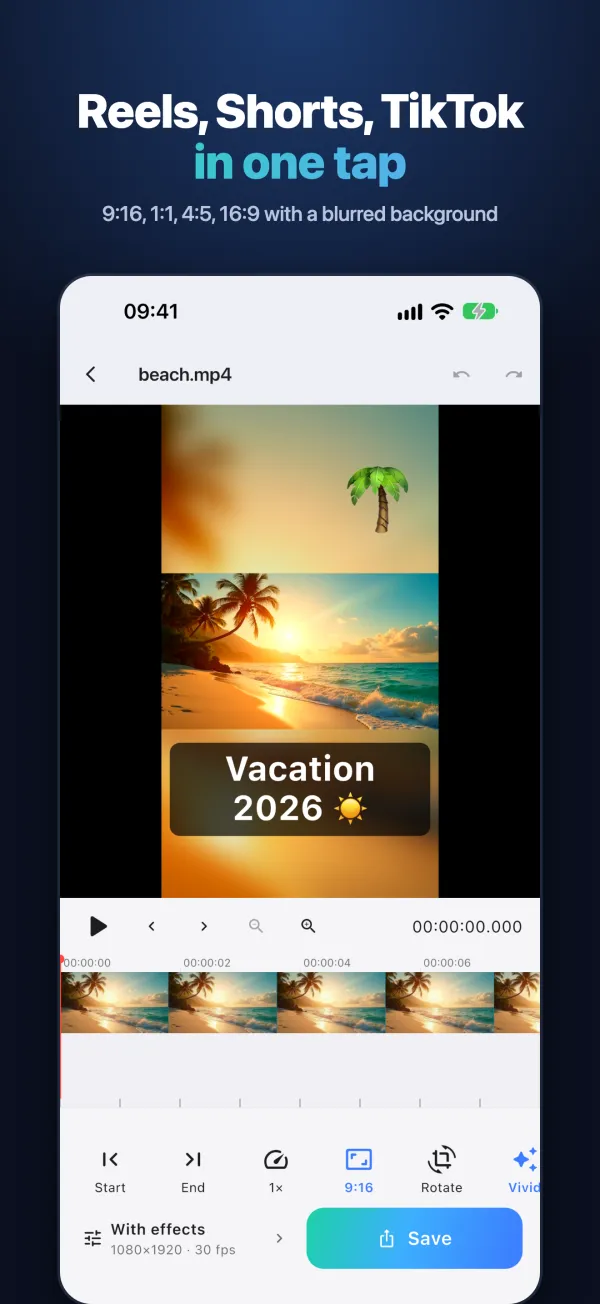
- 9:16, 1:1, 4:5, 16:9 with a blurred background
- Speed 0.25×–4× and reverse
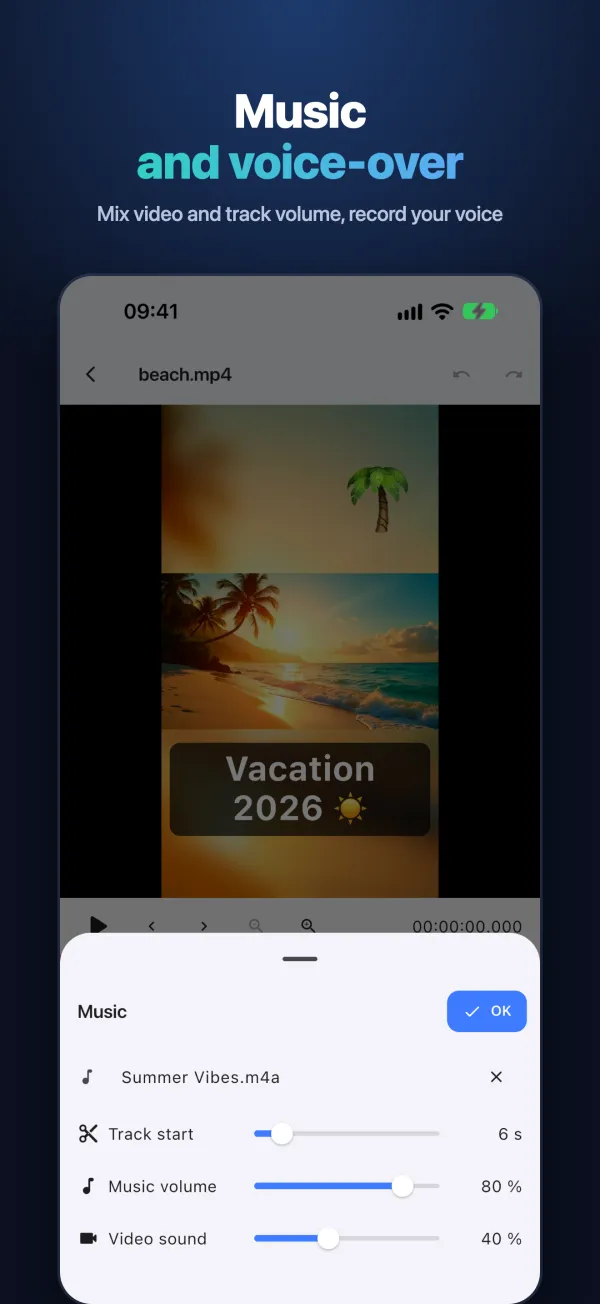
- Music and your own voice-over
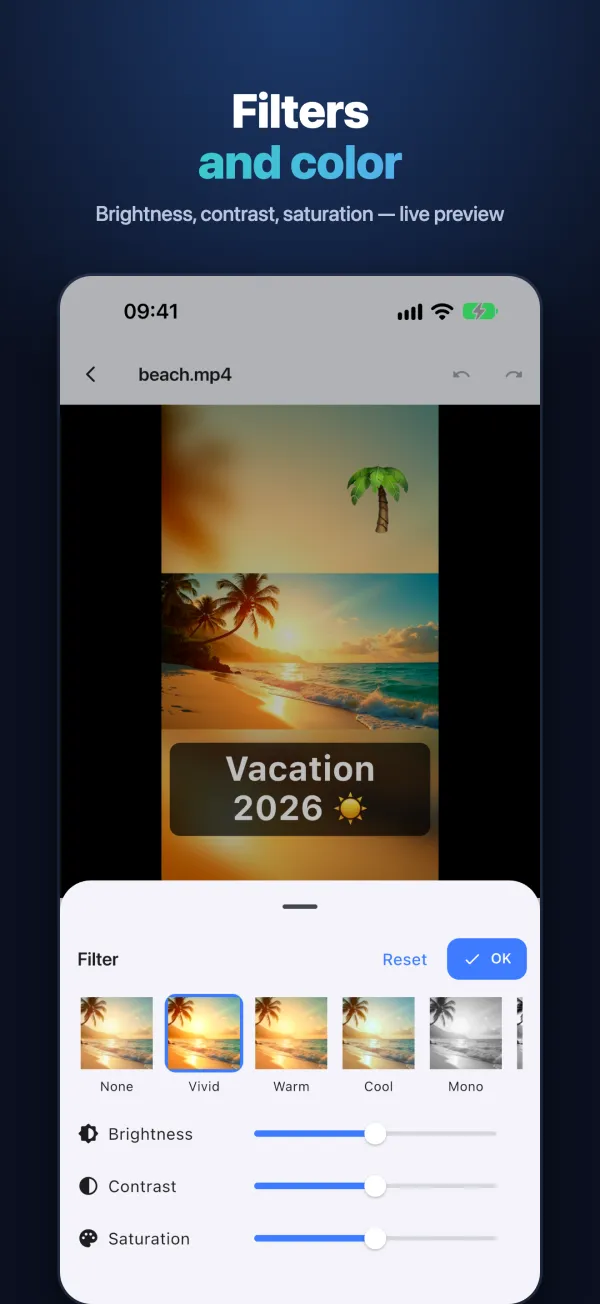
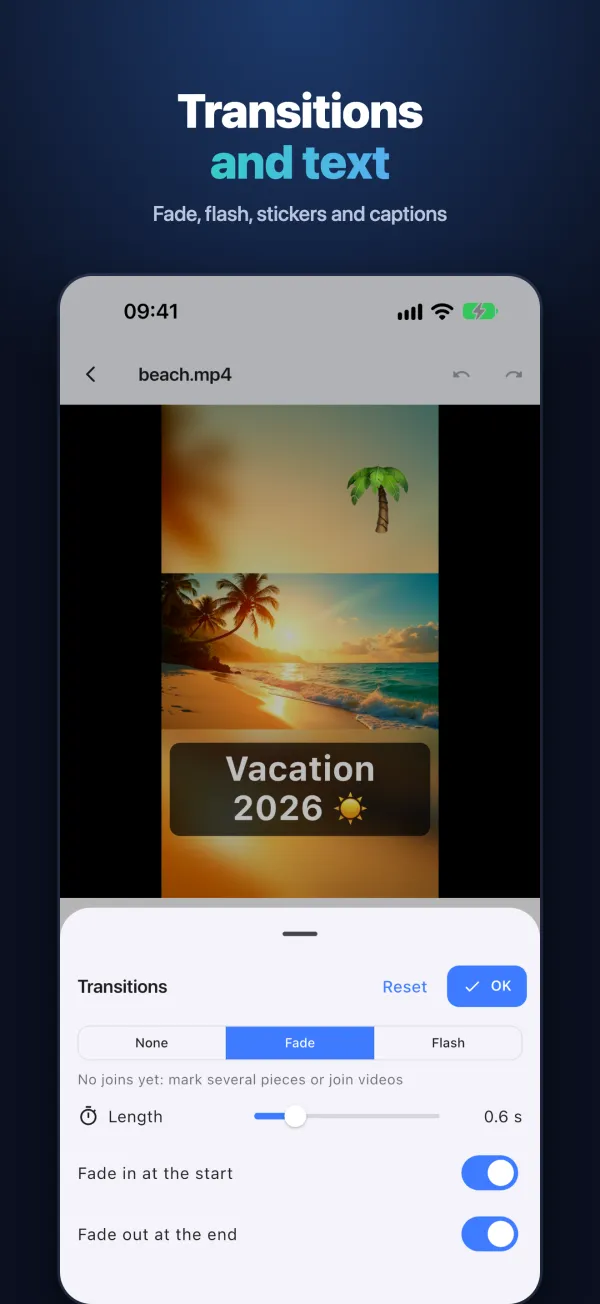
- Text, emoji stickers, transitions, filters
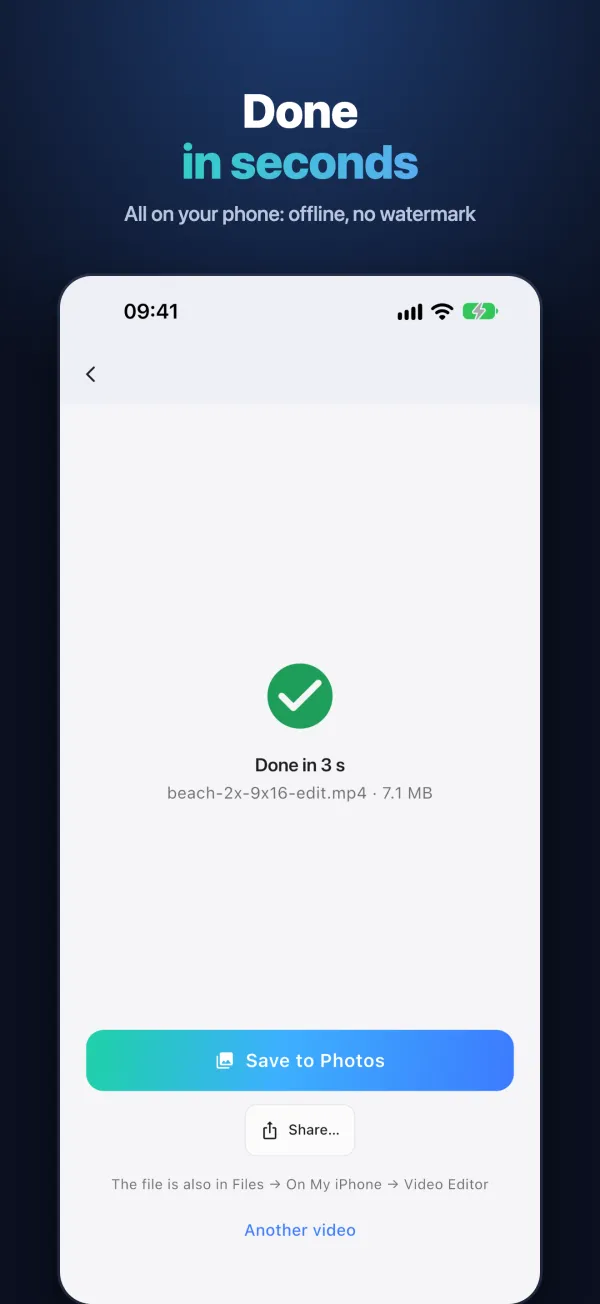
- Works offline, no watermark, no ads
Cut and join videos without losing a single pixel. Video Editor copies the frames of your clip as they are — no re-encoding, no quality loss, and it takes seconds, not minutes.
Why it's different
Most editors re-compress every video you save. Here, trimming and joining keep the original quality bit for bit, and a 4K clip is saved almost instantly. When you add effects, the video is encoded once with the phone's hardware encoder — fast and in high quality.
Trim and join — lossless
- Mark the start and the end, cut out the extra parts
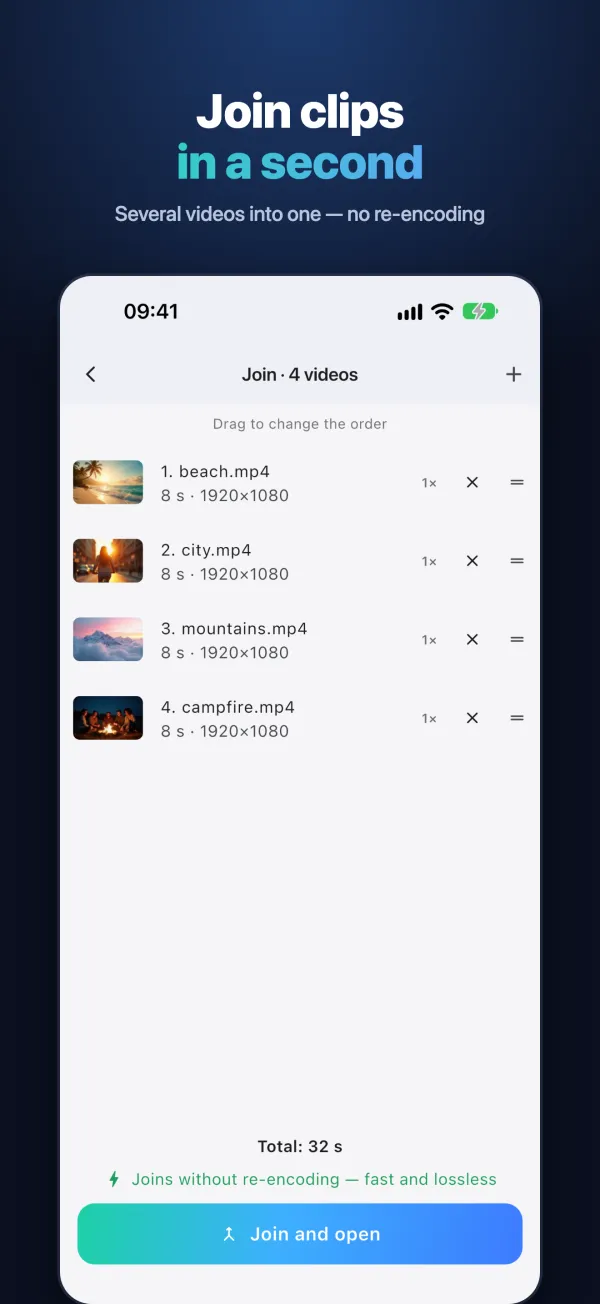
- Join several videos into one — in a second, without re-encoding
- Videos of different size or format? One tap makes them alike
- Save one file or every piece separately
- Rotate without re-encoding
Ready for reels, shorts and tiktok
- 9:16, 1:1, 4:5 and 16:9 in one tap
- Blurred background, black bars or fill
- Resolution up to 4K, 24 / 30 / 60 fps, quality you choose
How it works
- Tap “Choose from Photos” (or “Join several videos”, “Record a video”, “From Files”).
- Trim: move the playhead and tap “Start”, then “End”. You can mark several pieces and choose “Keep” or “Remove”.
- While no effects are added, the bottom bar says “Lossless”: frames are copied as is and saving takes seconds.
- Effects are in the toolbar: 9:16 / 1:1 / 4:5 / 16:9 format, rotate, filter, text and stickers (drag with a finger), music, voice-over, transitions, speed and reverse.
Support
Questions, bugs or ideas? Write to us — we usually reply within 2 days.